
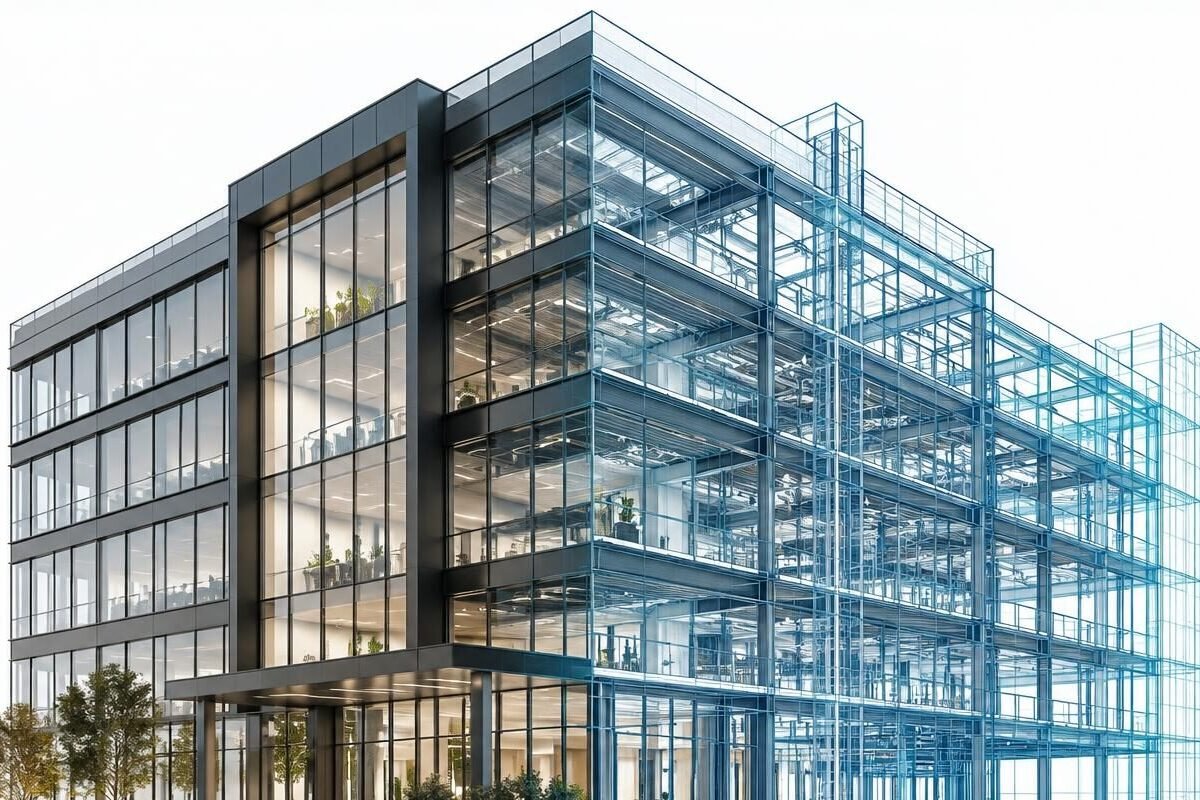
Level of Development (LOD) describes how complete and reliable model elements are at a given stage.
The LOD scale
- LOD 100 — conceptual
- LOD 200 — approximate geometry
- LOD 300 — precise geometry
- LOD 350 — interfaces with other systems
- LOD 400 — fabrication detail
- LOD 500 — field-verified
Choosing the right LOD
Higher LOD means more effort. Match the LOD to how the model will actually be used.
About The Zenith Visions Team
The Zenith Vision is a BIM and Revit services company specializing in 3D modeling, architectural design, and construction documentation. Our team delivers accurate, efficient, and innovative BIM solutions to help architects, engineers, and construction professionals bring their projects to life.
View all posts by The Zenith Visions TeamNeed BIM support?
Get expert BIM support for accurate modeling, seamless coordination, and smarter project delivery.
Insights
Related Blog
Explore BIM insights, workflows, and practical guidance for better project delivery.
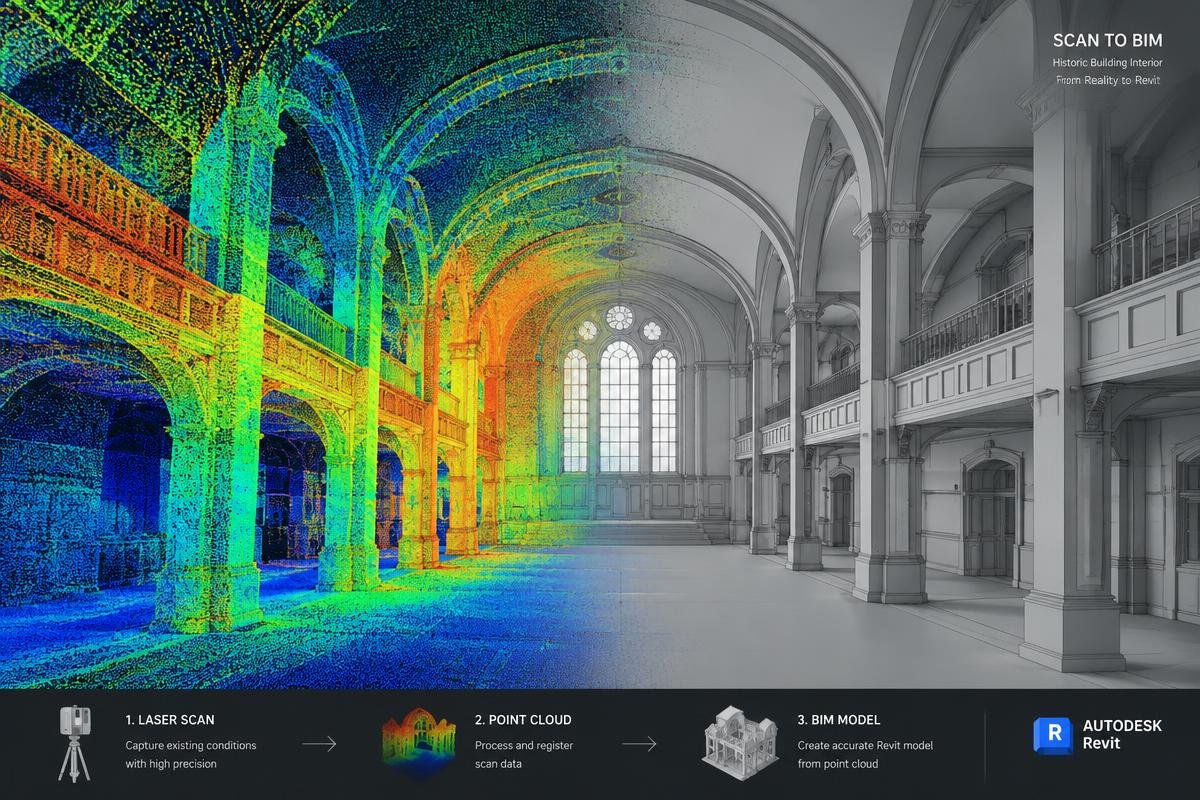
What Is Scan to BIM and How Does It Work?
A practical overview of how laser scans become accurate Revit models — and what teams should prepare before starting.
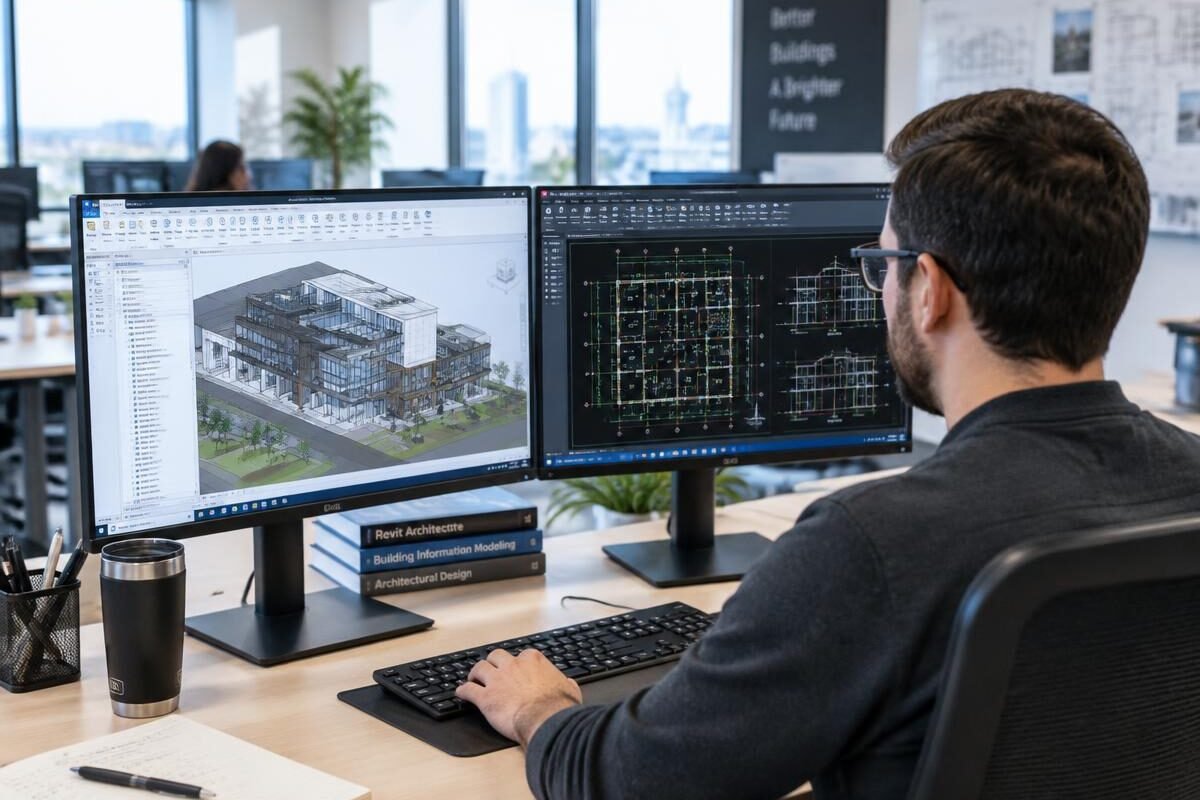
Revit BIM Modeling: A Practical Guide for AEC Teams
Templates, worksets, families and naming — the foundations of Revit models that stay reliable throughout a project.
A Complete Guide to Understanding LOD in BIM Projects
LOD 100 to 500 explained in plain language, with guidance on choosing the right level for your project.
Quick COnnect
Need Similar BIM Support?
Tell us about your project scope and timeline, and we'll prepare a tailored proposal.